Creating an Account, Shillong Teer Result
Creating an account: what Indian shillong teer result players need to know before they start, in plain language.
What is Creating an Account on Shillong Teer Result?
Creating an account on a Shillong Teer Result platform means registering as a verified member so you can access personalised features beyond simply viewing the daily teer numbers. Instead of refreshing a generic page multiple times around the result window, a registered user gets a dedicated dashboard that stores your preferred counters, saves historical result data, and lets you set up push notifications the moment the First Round (FR) and Second Round (SR) results are declared, sometimes within 30 seconds of the official announcement at the Polo Ground, Shillong.
Shillong Teer is a legal archery-based lottery run under the Meghalaya Amusement and Betting Tax Act, 1982. Results are announced on all working days, First Round typically between 3:45 PM and 4:00 PM IST, and Second Round between 4:45 PM and 5:00 PM IST. An account on shillongteerresult.in.net ties your identity to these exact result windows so your experience is structured around the official schedule, not guesswork. Without an account, you rely entirely on manual page refreshes, which is unreliable during the peak traffic window when tens of thousands of players across Meghalaya, Assam, Manipur, and Mizoram are checking simultaneously.
Think of the account as your permanent teer result diary. Every day's FR and SR number is logged under your profile automatically, something that unregistered visitors lose the moment they close the browser tab. Over a month, this archive becomes a meaningful dataset for spotting hit numbers and tracking counter-wise patterns that inform your daily target number decisions.
- Personalised result feed: Follow up to 10 specific Shillong Teer counters simultaneously and see only the FR/SR numbers relevant to you, filtered from the full daily result list.
- Result history archive: Access month-wise and year-wise FR/SR data from your profile without searching manually. The archive on shillongteerresult.in.net goes back to 2018, covering over 1,500 result days.
- Target number alerts: Receive instant SMS or push alerts when a teer number you track appears in the FR or SR draw. You can set alerts for a specific two-digit number (00 to 99) so you never miss a hit.
- Community features: Participate in teer formula discussions, dream number prediction threads, and previous night's dream interpretation posts, all available exclusively to verified members.
- Weekly hit number digest: Every Monday morning, members receive an automated digest listing the top five most frequently appearing FR and SR numbers from the past 30 result days. This is compiled from the platform's own database and is not available to guests.
Without an account, you can still view today's Shillong Teer result, but you cannot save preferences, receive notifications, or access the member-only result archives that span several years. Compared to checking results via a WhatsApp group or a Telegram channel, an account on a dedicated teer result site gives you structured, searchable data rather than an unorganised scroll of text messages that disappear after a few days.
Creating an Account, Step by Step
Follow these steps exactly to set up your account on shillongteerresult.in.net and start receiving Shillong Teer results the moment they are published. The entire process takes approximately 3 to 5 minutes on a 4G connection and under 8 minutes on a 2G or BSNL broadband connection common in rural Meghalaya and Assam.
-
Go to the registration page.
Open your browser, Chrome, Firefox, or Samsung Internet on Android all work, and navigate to
shillongteerresult.in.net/register. The page loads a short form with five fields. No app download is required. The site is mobile-optimised for screens from 320 px wide, so you can complete registration on entry-level Android handsets (Redmi, Realme, or Lava devices commonly used in the northeast) without any display issues. If the page loads slowly, disable VPN if active, some VPN exit nodes are rate-limited on Indian teer result platforms. -
Enter your mobile number or email address.
Choose one primary contact method. Indian mobile numbers in +91 format are accepted across all major operators: Jio, Airtel, Vi (Vodafone Idea), and BSNL. If you are a BSNL subscriber in a remote district of Meghalaya or Manipur, note that SMS delivery can occasionally lag by 2 to 3 minutes, in that case, email verification is faster. If you use email, enter an address you actively check daily; Gmail, Outlook, and Yahoo Mail all work. Result alert emails are sent from a verified domain address around 4:00 PM and 5:00 PM IST on every working day.
-
Create a secure password.
Your password must be at least eight characters and include one uppercase letter, one number, and one special character. For example:
Teer@2025orShillong#99are valid formats. Avoid using your teer counter name, your district name, or your birth year as these are the most commonly guessed patterns in credential attacks targeting teer platforms. Do not reuse a password you already use for PhonePe, Google Pay (GPay), BHIM, or your bank's UPI app, those accounts carry financial data and must stay separate.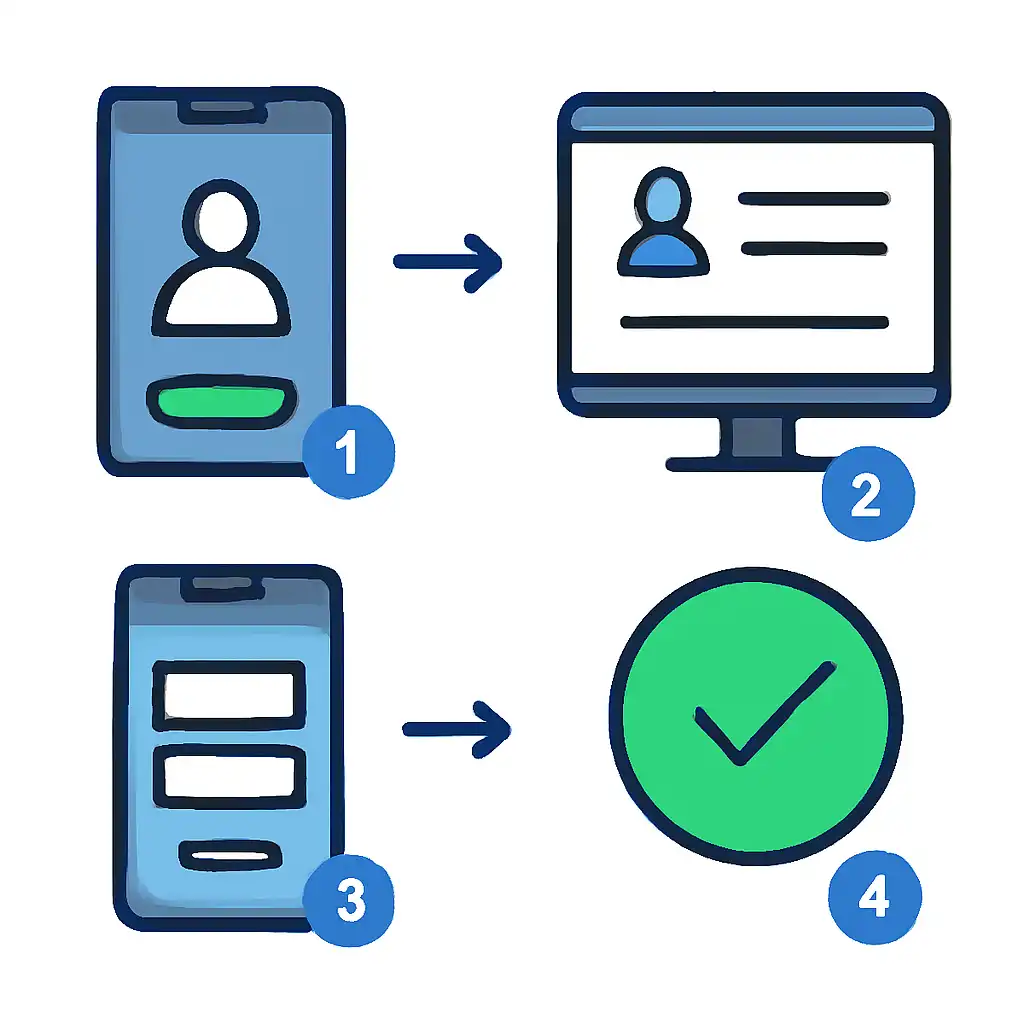
-
Verify your contact method via OTP.
An OTP (One Time Password) is sent to your mobile number via SMS, or a verification link is sent to your email. Enter the six-digit OTP in the verification field within five minutes. If you registered with a Jio number, the OTP typically arrives within 15 seconds. Airtel and Vi SIMs in urban Shillong or Guwahati also see near-instant delivery. BSNL SIMs in Ri Bhoi district, East Khasi Hills, or parts of Assam may take up to 3 minutes, wait before clicking Resend OTP.
If the OTP expires, click Resend, do not submit the form with an expired code as this logs a failed verification attempt and temporarily blocks further OTP requests for 10 minutes.
-
Complete your display profile.
Add your preferred display name (this appears in community threads and is visible to other members, so avoid using your full real name for privacy). Select your home state from the dropdown, options include all eight northeastern states plus West Bengal. Users based in Meghalaya, Assam, Manipur, and Mizoram can also enable a regional language display option: Khasi, Bengali, or Meitei script for result announcements and interface labels. This setting can be changed later from your profile page.
-
Select your notification preferences.
Tick the result windows you want alerts for: First Round only (announced ~3:45 to 4:00 PM IST), Second Round only (announced ~4:45 to 5:00 PM IST), or both. You can choose between SMS alerts (₹0 cost to you, delivered via the platform's bulk SMS gateway) and browser push notifications. If your mobile data is metered, SMS alerts are more economical. Also decide whether to subscribe to the weekly Teer Hit Number digest, a Monday-morning email listing the numbers that appeared most frequently in FR and SR draws over the past 30 result days.
-
Accept the terms and age declaration.
Tick the mandatory checkbox confirming you are 18 years or older and that you understand Shillong Teer operates under the Meghalaya Amusement and Betting Tax Act, 1982. This step is legally required. The terms also clarify that the platform publishes results for information purposes and is not a betting operator itself, an important distinction under Indian gaming law.
-
Save and log in.
Click Create Account. You are redirected automatically to your dashboard within 2 to 3 seconds. The dashboard shows today's date, the countdown timer to the next result window, and a prompt to follow your first teer counter. Bookmark the dashboard URL (
shillongteerresult.in.net/dashboard) immediately, on mobile, use Chrome's Add to Home Screen option to create a one-tap shortcut that behaves like an installed app without consuming storage.
Total time required: Approximately 3 to 5 minutes on a stable 4G connection; 6 to 8 minutes on 2G or congested networks. Registration is completely free. There is no paid tier, no subscription fee, and no SMS charge to receive result alerts, the platform recovers costs through display advertising shown to all users, logged in or not.
Creating an Account, Common Questions
- Can I create an account without a mobile number?
- Yes. Email-only registration is fully supported. However, SMS OTP verification is faster and more reliable in low-signal areas common to northeastern India, particularly in the hill districts of Meghalaya and interior Manipur. If you are in a region where mobile data connectivity drops around result time, between 3:30 PM and 5:15 PM IST when network congestion peaks, a mobile-verified account ensures SMS alerts reach you even when your browser cannot load the result page. Email alerts, by contrast, depend on an active data connection to be delivered in real time.
- Is there an age requirement to register?
- You must be at least 18 years old to create an account. Shillong Teer is a betting-adjacent activity governed by the Meghalaya Amusement and Betting Tax Act, 1982. The platform requires users to confirm they meet the minimum legal age by ticking a mandatory declaration checkbox during Step 7 of registration. False declarations are a violation of the platform's terms of service and may result in permanent account suspension if identified through a subsequent identity verification check.
- Can I have more than one account?
- No. One account per mobile number and one account per email address is permitted. The platform uses automated duplicate detection that cross-references both contact fields at registration time and again during login. Duplicate accounts are flagged within 24 hours and either merged (preserving your older account's history) or suspended. If you have forgotten your login credentials from a previous registration, use the Forgot Password link on the login page, enter your registered mobile number or email and a reset link is sent within 60 seconds. Creating a new account to bypass a forgotten password will simply trigger the duplicate flag again.
- What if my OTP does not arrive?
- Wait a full 60 seconds before clicking Resend OTP. Confirm you entered your mobile number with the correct country code (+91) and without a leading zero, entering
09876543210instead of9876543210routes the OTP to a non-existent number. If you are using a Jio SIM, check that your DND (Do Not Disturb) settings do not block transactional SMS, Jio's DND settings are managed through the MyJio app under Settings → DND Management. For Airtel users, transactional messages (category 1) are exempt from DND by TRAI regulation and should always arrive. If the problem persists after two resend attempts, switch to the email OTP method, click Use Email Instead below the OTP field and proceed with your email address. - Do I need to re-register every teer season?
- No. Your account remains active indefinitely as long as you log in at least once every 12 months. Shillong Teer operates year-round except on Sundays and declared gazetted holidays (typically 10 to 15 days per year including major Meghalaya state holidays). There is no seasonal reset, your accumulated result history, followed counters, and notification preferences carry over across all result days without any renewal action required from you.
- Can I change my registered mobile number later?
- Yes, from Account Settings → Contact Details → Update Mobile. The update requires a dual OTP verification: one sent to your current (old) mobile number to confirm your identity, and one sent to your new mobile number to confirm you own it. Both OTPs must be entered within a five-minute window. This process is intentionally unavailable during active result windows (3:30 PM to 5:15 PM IST) because the notification system is locked during live result publishing to prevent delivery errors. Plan your contact update for late morning or early afternoon on a working day.
- Is registration available in Hindi or Bengali?
- Yes. The registration form is available in English, Hindi, and Bengali. Toggle the language selector in the top-right corner of the registration page before you begin filling in your details. All subsequent account emails and SMS result alerts will be sent in your chosen language. Hindi and Bengali are the two most common non-English languages among teer followers outside Meghalaya, particularly in Assam (Bengali) and among players who follow results from Delhi, Mumbai, or other metros where northeast Indian diaspora communities actively track Shillong Teer.
- Is the platform connected to PhonePe, GPay, or BHIM for payments?
- No. The result platform does not process any payments and is not integrated with PhonePe, Google Pay (GPay), BHIM, or any UPI app. Registration and all result features are completely free. Be cautious of any third-party site or WhatsApp contact claiming to offer "premium Shillong Teer tips" via PhonePe or GPay payment, these are scam operations. Shillong Teer betting itself is conducted in person at licensed counters in Meghalaya; no legitimate online payment is required to view results on this platform.